Integrations
Jira Server Troubleshooting Guide
Pre Checks
1. IP Safelisting Requirements
Before starting the troubleshooting process, please ensure that the required PagerDuty IP addresses have been safelisted.
2. Jira Server Compatibility Requirements
Your Jira Data Center/Jira Server version should be compatible with the integration version you have installed. For more information, please reference the compatibility table linked below.
3. Connection Credentials
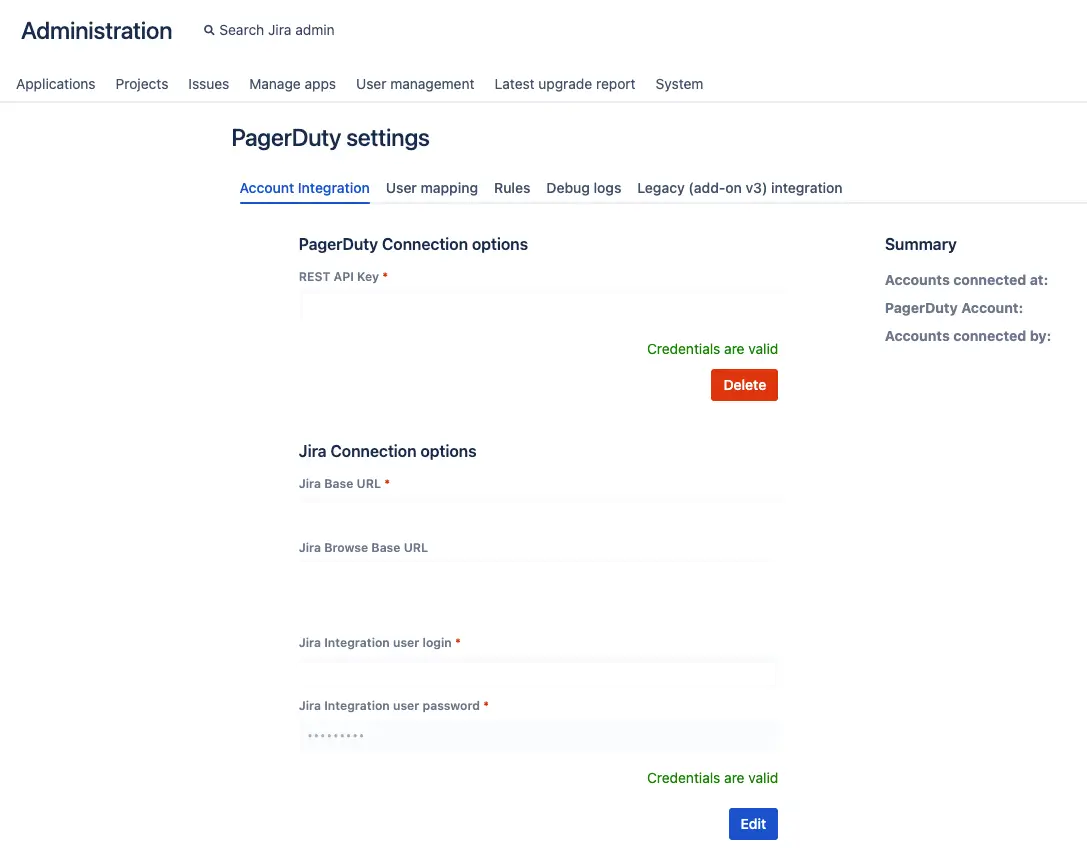
In Jira, navigate to the PagerDuty application under Administration PagerDuty settings Account Integration tab. The credentials must be valid for the PagerDuty and Jira connection.
- For URLs, be sure to specify http or https in the field. If the protocol is not specified, the integration will use HTTP.
- The user credentials should have read/write access to the connected projects and they should be basic authorization credentials (i.e., username and password), not SSO.
- The REST API Key should be a full access key (i.e., not a read-only API key).
General Troubleshooting
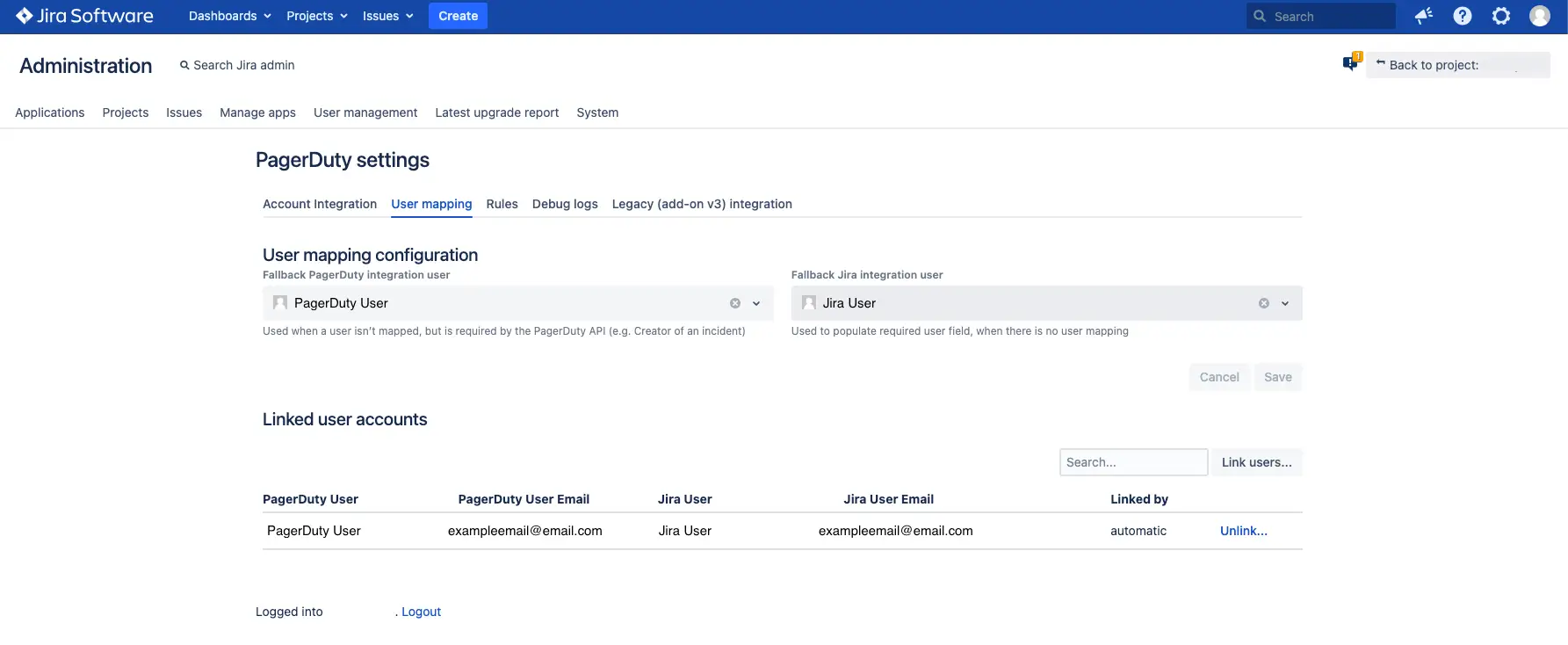
In Jira, under the User mapping tab:
- There should be a fallback user mapping in the User mapping configuration section, in case the Jira action/PagerDuty action cannot be attributed to a linked user account.
If the issue persists after completing the pre-checks and general troubleshooting steps, please refer to the following section for more specific troubleshooting steps.
Troubleshoot Common Jira Server Issues
PagerDuty Incident did not Create a Jira Issue
Jira Issue did not Trigger a PagerDuty Incident
PagerDuty Incident Status and Jira Issue Status did not Sync
TLS Certificate Errors
Priority is not syncing between Jira and PagerDuty
PagerDuty Incident Fields and Jira Issue Fields did not Sync
A Jira Ticket Triggered Multiple PagerDuty Incidents
Incident Notes and Issue Comments are not Syncing
JQL Tips and Tricks
- To test the JQL statement in your configuration rule, paste the JQL statement in your configuration rule to Jira, to confirm if that query returns the Jira issue as expected.
- There are some AI chat assistants that may be able to help you construct/review your JQL statement. To test the JQL statement, use the testing method above.
- For additional details regarding JQL, please reference the resources linked below.