AI & Automation
Past Incidents
View previous incidents to gain helpful context during incident triage
The Past Incidents feature allows incident responders to view historical incidents that had similar metadata and were generated on the same service as their current active incident. Past Incidents adds helpful context for accurate triage, which can lead to shorter resolution time. Responders receive the following helpful information:
- Whether they, or someone on their team, was involved in a previous incident.
- When these types of incidents happened.
- Incident details that show what remediation steps were taken in the past.
AIOps Feature
Legacy Availability
View Past Incidents
Users can see the Past Incidents feature in multiple places:
Web App
- From the Incidents page or a service’s page, click your desired incident’s title.
- On the incident’s detail page, select the Past Incidents tab.
Mobile App
In the mobile app:
- Select an incident to navigate to its details page.
- Scroll to the section Past Incidents and tap View Past Incidents.
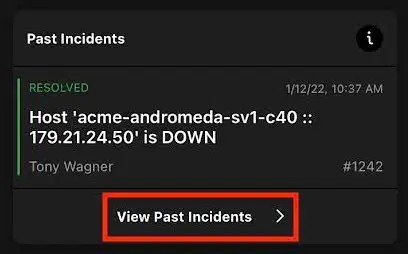 Past Incidents in the mobile app
View Incident Details
Sort Order
You can adjust whether the list of Past Incidents sorts by recency or relevance.
- At the top of the screen, tap Recent.
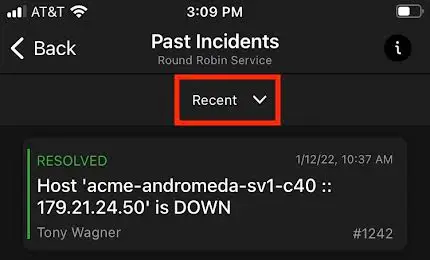 Tap "Recent"
- Select Recent or Relevant.
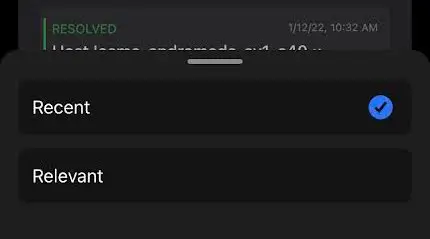 Select "Recent" or "Relevant"
REST API
To access Past Incidents via API, please visit our API documentation.
Past Incidents Details and Behavior
The Past Incidents feature uses machine learning to display a historical list of incidents from the same service that are similar to the incident you are currently investigating. Past Incidents are determined by four main factors:
- The semantics of the incident title.
- Which responders have responded to past incidents.
- The duration of the past incident.
- The date and time of the past incident’s creation.
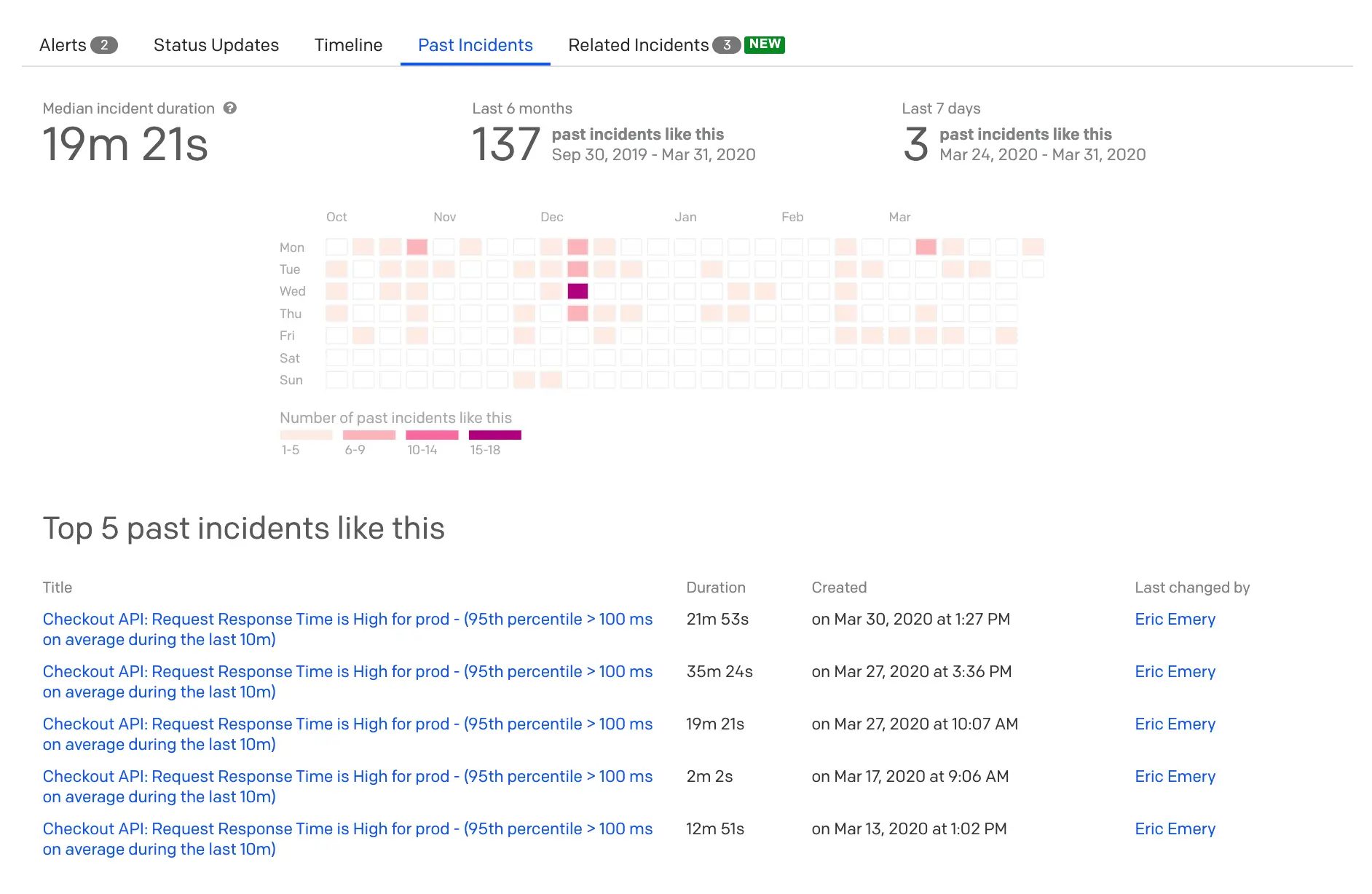
The Past Incidents heat map provides a high-level overview of incidents on the same service from the past six months that are similar to the one you are viewing. Darker squares on the heat map represent days when a higher concentration of past incidents, while lighter squares indicate a lower concentration. The legend for the number of past incidents will dynamically change relative to the range of past incidents observed in a single day.
To view more details for a specific day, you can hover over a square to see past incidents' titles. Click on a square to populate the top five past incidents from that day in the Past Incidents list. You can then easily access those incidents for additional context by clicking the linked incident title.
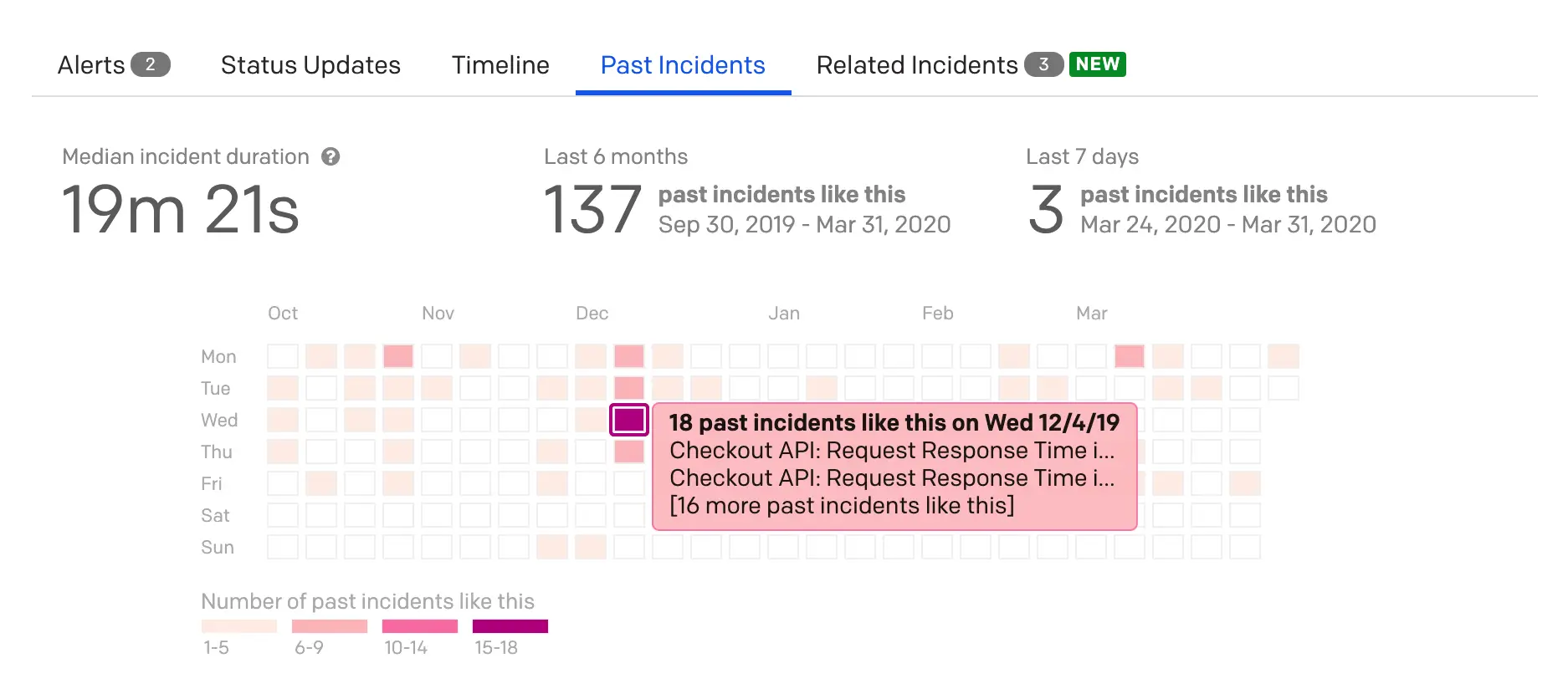 Past Incidents heatmap detail
The Past Incidents list displays historical incidents with specific metadata fields and links. For each past incident, you can see the following:
- Title: The incident title in its current state. If the incident title was manually edited, the final title will be displayed here.
- Duration: Duration of the incident.
- Created: Date and time the incident was created.
- Last Changed By: The PagerDuty user who last made a change to this incident. If this incident was not edited by any PagerDuty user, this field will be blank, “--”. This can happen, for example, if the incident was triggered and then resolved by the integrated monitoring tools.
Important Notes
-
Past Incidents will only return incidents from the same service as the incident you are viewing.
-
If you would like to hide Past Incidents, please contact PagerDuty Support.
FAQ
Can I see Past Incidents when I write Postmortems?
Past Incidents are not an explicit part of the Postmortems feature. You can always use information from historical incidents to help add context to the postmortem.