Developer
Publish an App
Publish an App
Once you are done building an app, you can publish it to share with all PagerDuty customers. Publishing is completely optional.
Manage Distribution
On your app's configuration page, scroll down to the App Type section and select the Public option and click on the Distribution Form button. Before the App can be made public the Distribution Form needs to be completed.
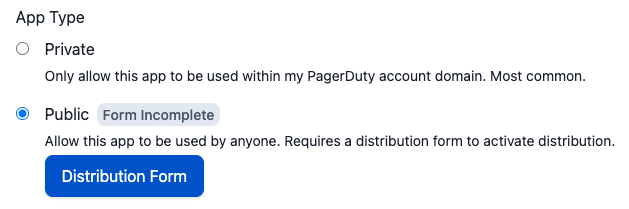
Publish To All PagerDuty Users
You can optionally publish your app for all PagerDuty users to discover and use. Follow these steps to submit your app for review.
- On the Distribution Form page (see above), enter information for your app listing (like documentation and support contact) and provide instructions for testing your app.
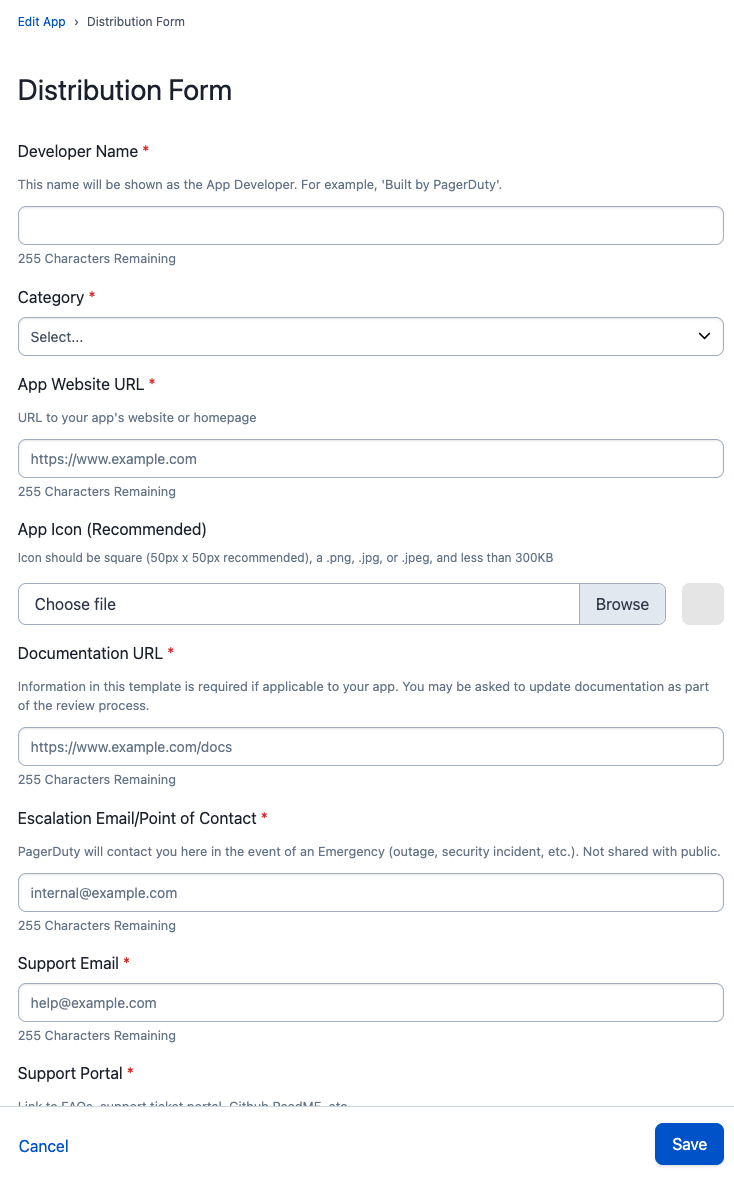
- At the bottom of the Distribution Form page click the Save button. Upon returning to the Edit App page, click Save and confirm that you want to submit the app for review.
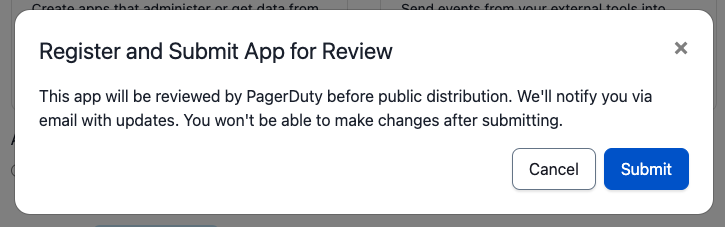
Once you submit, you will no longer be able to make updates to your app. If you need to make changes after you submit, please contact apps@pagerduty.com to get your app back into an editable draft state.
You should receive a confirmation email once your app is submitted for review.
Review Process
We aim to review your submission and approve or reply with feedback within 5 business days.
During the review process, we will:
- Test your app's functionality
- Review documentation for completeness and accuracy (please use this documentation template to avoid change requests during review)
- Ensure all required information is submitted and accurate for your listing (support contact, website links, etc)
If we find issues with your submission or have questions, we will contact you at the email used for your PagerDuty account. The reviewer may ask for additional info or updates to your app or documentation before your submission is approved.
If you have questions about this process or your submission, please email apps@pagerduty.com.