Incident Management
Communicate with Stakeholders
Provide stakeholders with proactive information about an incident's scope of impact and progress towards resolution
Proactive stakeholder communications advise others on an incident’s status and scope of impact. When stakeholders receive proactive status updates, the primary response team can focus on resolution, rather than answering status inquiries, leading to more efficient incident response and improved MTTR.
Availability
Add Subscribers to an Incident
PagerDuty offers multiple ways to add subscribers to incidents:
Stakeholder Users
- You can add any kind of PagerDuty user as an incident subscriber: Account Owner, managers, responders, and more.
- There are also special Full Stakeholder and Limited Stakeholder user licenses available; these user roles are specifically designed to subscribe to incidents and receive incident status updates.
-
Full Stakeholders have read-only access to other data in your PagerDuty account.
-
Limited Stakeholders only have access to view and subscribe to Internal Status Pages, and do not see any other parts of PagerDuty.
-
Full Stakeholders and Limited Stakeholders cannot add, edit, or delete any objects in the account.
-
Both Stakeholder user licenses are available at a reduced price and are ideal for employees who need to be involved in internal incident communications but do not actively participate in the resolution effort.
-
Contact the Sales Team for more information about both types of Stakeholder users.
Remove Subscribers from an Incident
Either users assigned to an incident can remove incident subscribers, or subscribers can unsubscribe themselves.
Status Updates
Once subscribed to an incident, stakeholders will start receiving all subsequent status updates for that incident. A responder can perform the following:
- Compose and publish an ad-hoc status update via the web or mobile app.
- Send status updates as part of an Incident Workflow.
- Send incident resolution notes as a status update
- Send a status update or start an Incident Workflow Instance that sends a predefined message via the API.
- Send status updates with rich text email notifications
Required User Permissions
- All users, with the exception of Limited and Full Stakeholders, can send status updates for incidents assigned to them.
- Only Responders, Managers, Global Admins, and Account Owners can send status updates for incidents that are not assigned to them.
You can send status updates in different ways:
Status Update Notification Methods
Note
Status updates are sent to subscribed users depending on their status update notification rules. Currently, you cannot configure a time delay for status update notifications. For information on configuring status update notifications, refer to Status Update Notifications. You can see some examples for each notification method in the following.
Push Status Update
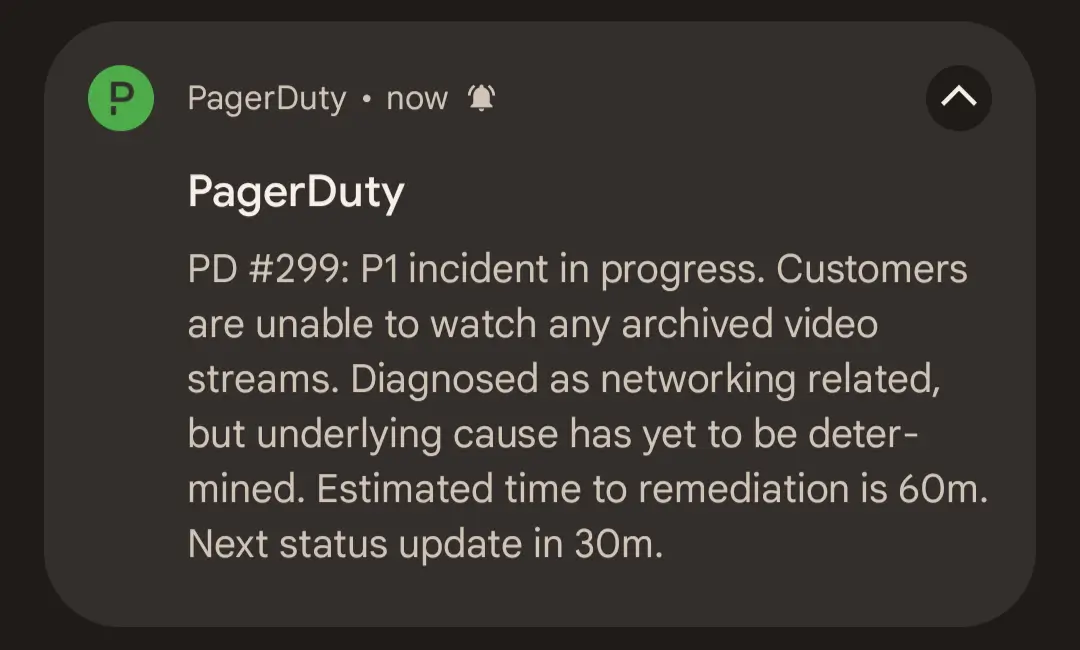 Push notification status update
Email Status Update
Status update emails contain the most information about an incident:
- Who sent the status update
- Incident number and description
- When the incident was opened
- The affected service
- Incident status
- A link to the incident status page
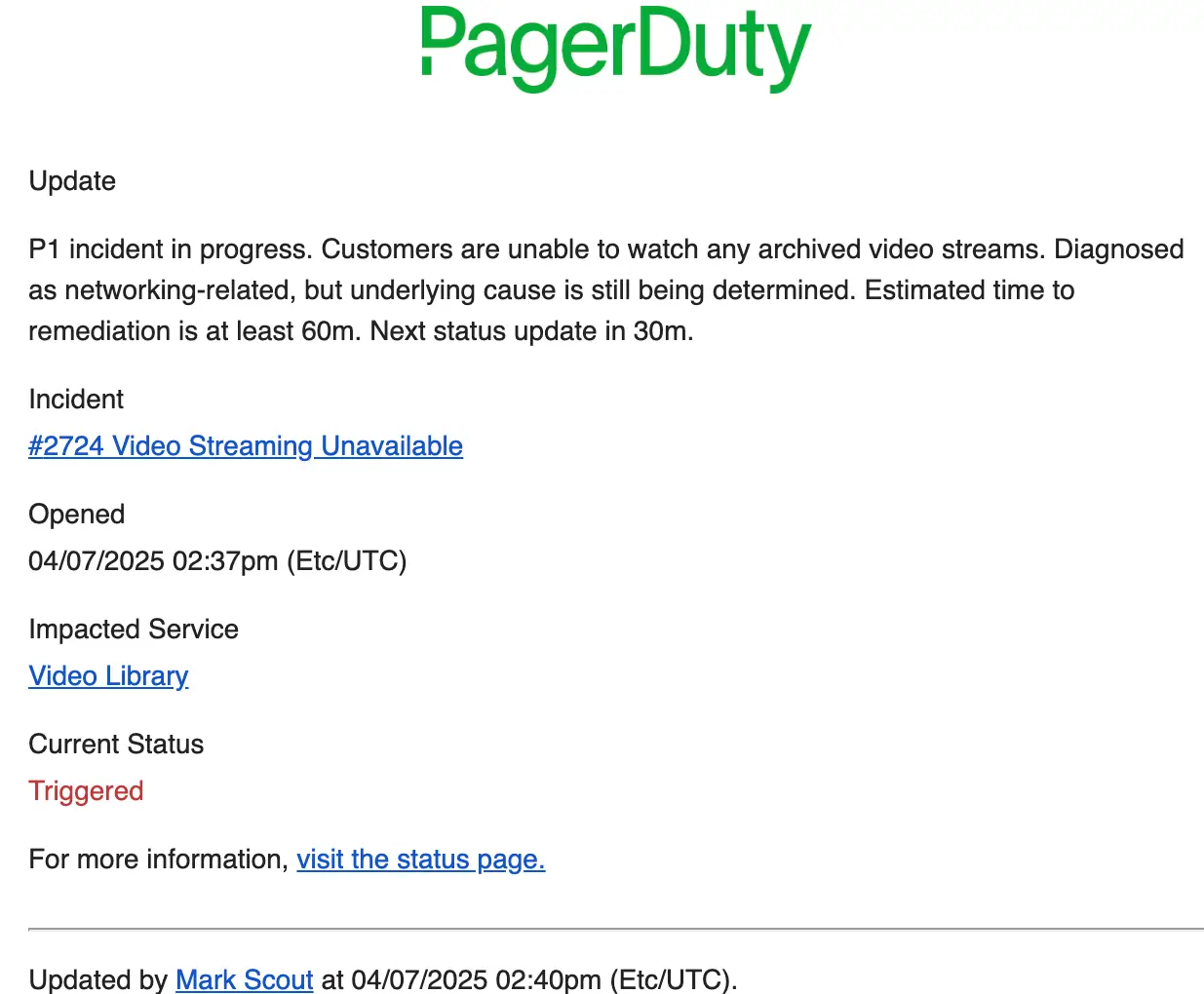 Email status update
SMS Status Update
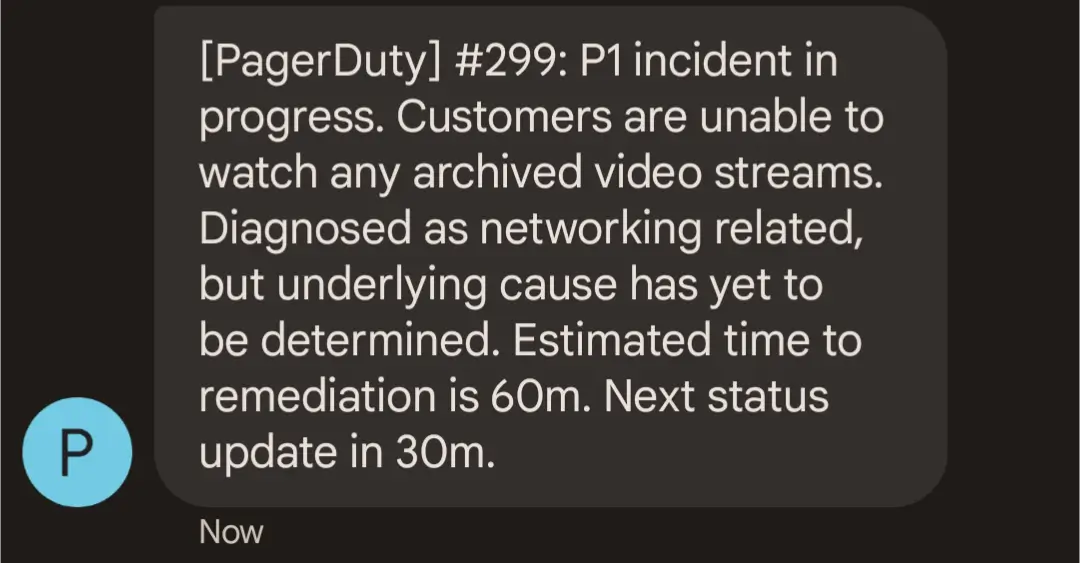 SMS status update
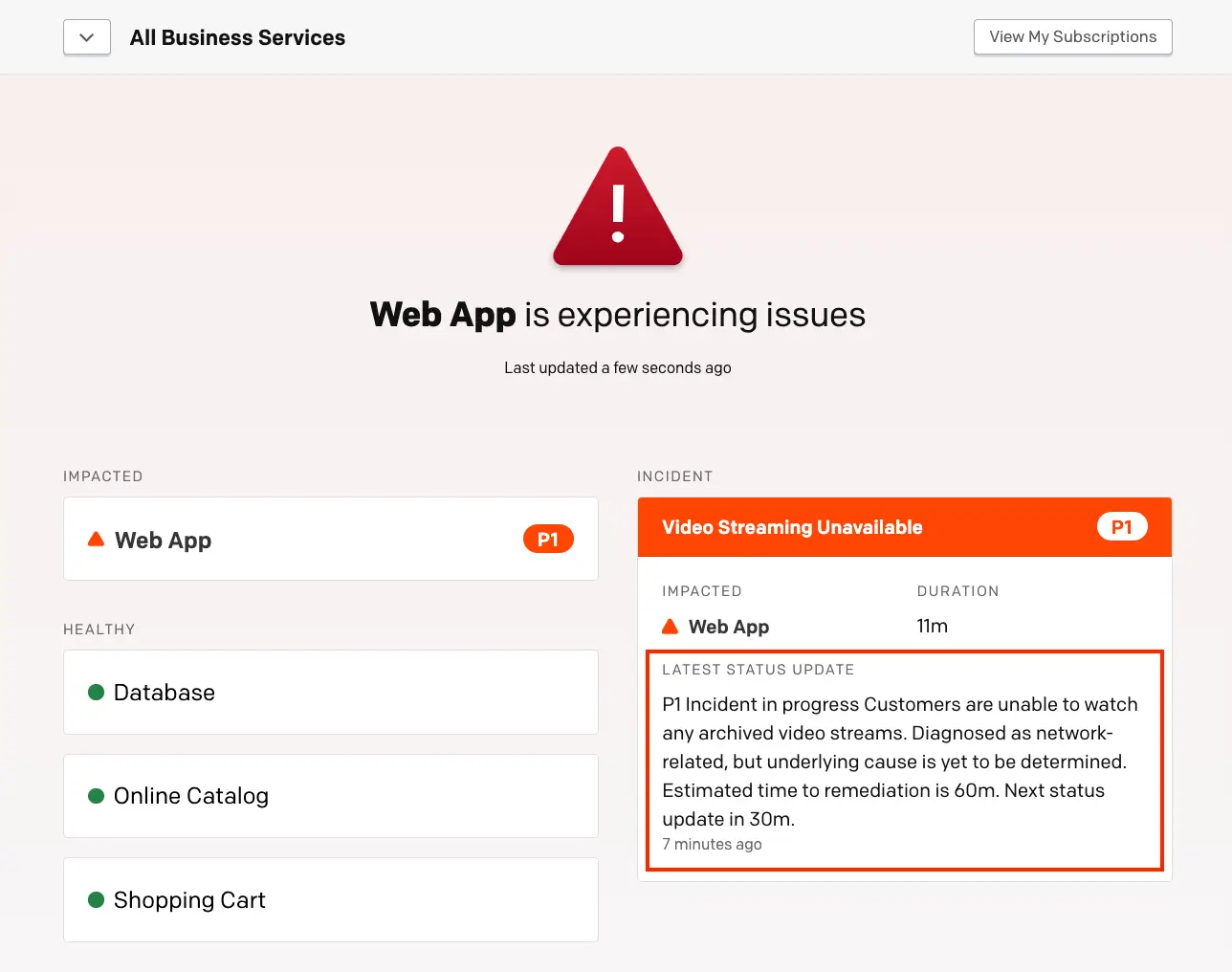
Internal Status Page Update
In addition to the notification methods above, all status updates are posted to the Internal Status Page. For more information on how to view an incident on the status dashboard, visit Status Updates.